Project Overview
After teaching myself Computer Aided Machining (CAM) over the course of my Freshman and Sophomore year as part of my job as a FabTech at the Tulane MakerSpace, I wanted to create a document to transfer on what I had learned. As the only person at the MakerSpace who knew how CAM worked at the time, I wanted to create a resource for myself to use to teach others the skill, rather than just haphazardly explaining what I had learned.
In the end, I wrote a 40 page step-by-step tutorial for readers to program and machine their first part in CAM. I made sure to include as many different CAM functions in the tutorial as possible, in order to make sure that the reader understands as many of the basics as possible. The tutorial goes over every step of the CAM process: importing the tool libraries and machine 3D Models for the first time, programing a multi-setup CAM operation, and exporting and running the resultant .nc file on the MakerSpace's Tormach PCNC770 Mill.
Additionally, I decided to write the entire document using LaTeX, as a way to learn the software, specifically using the Typst editor. Not only was it a good way to learn, but I found that it was much easier to make the document visually pleasing, compared to using Google Docs or Microsoft Word.
Document Preview
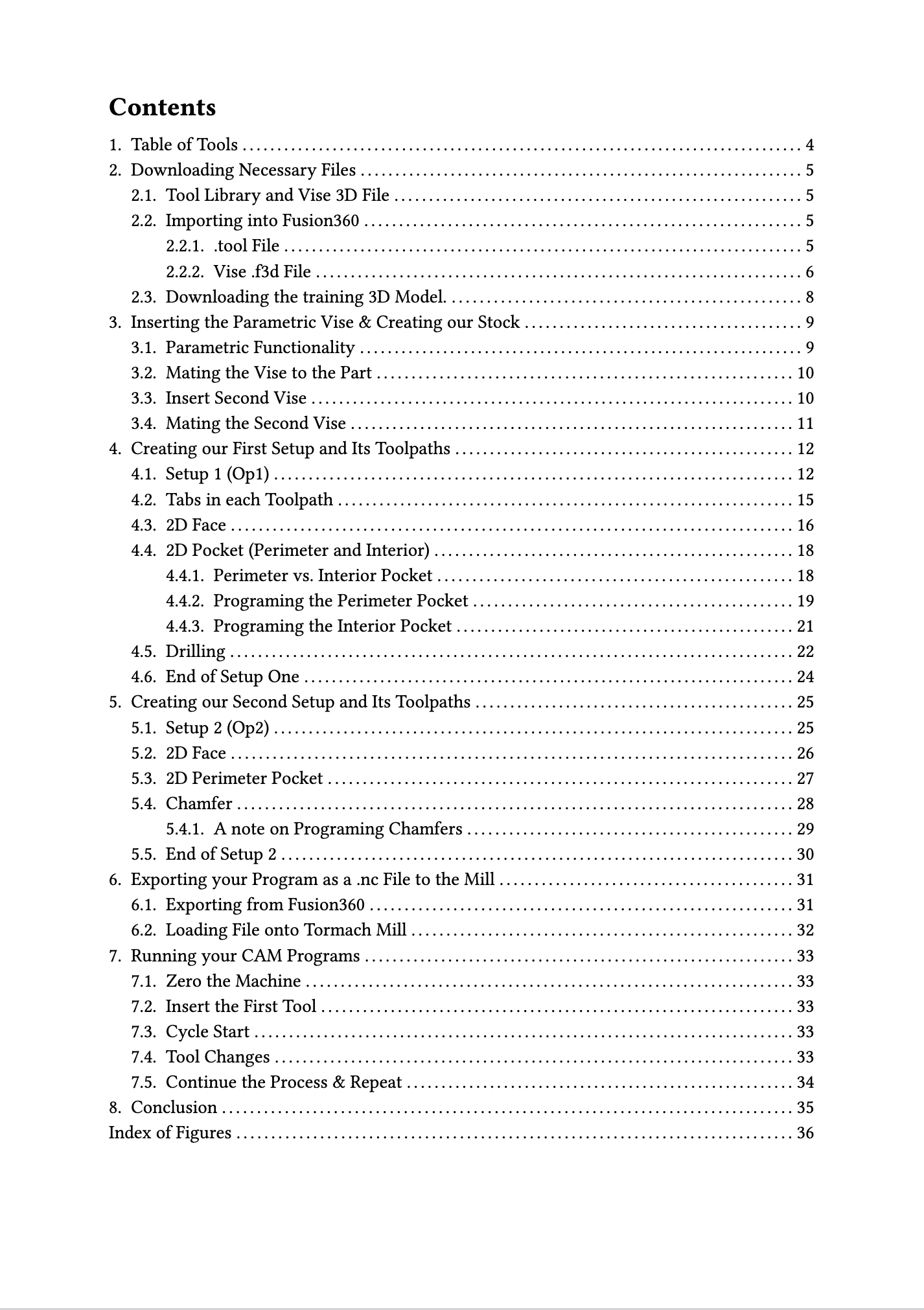
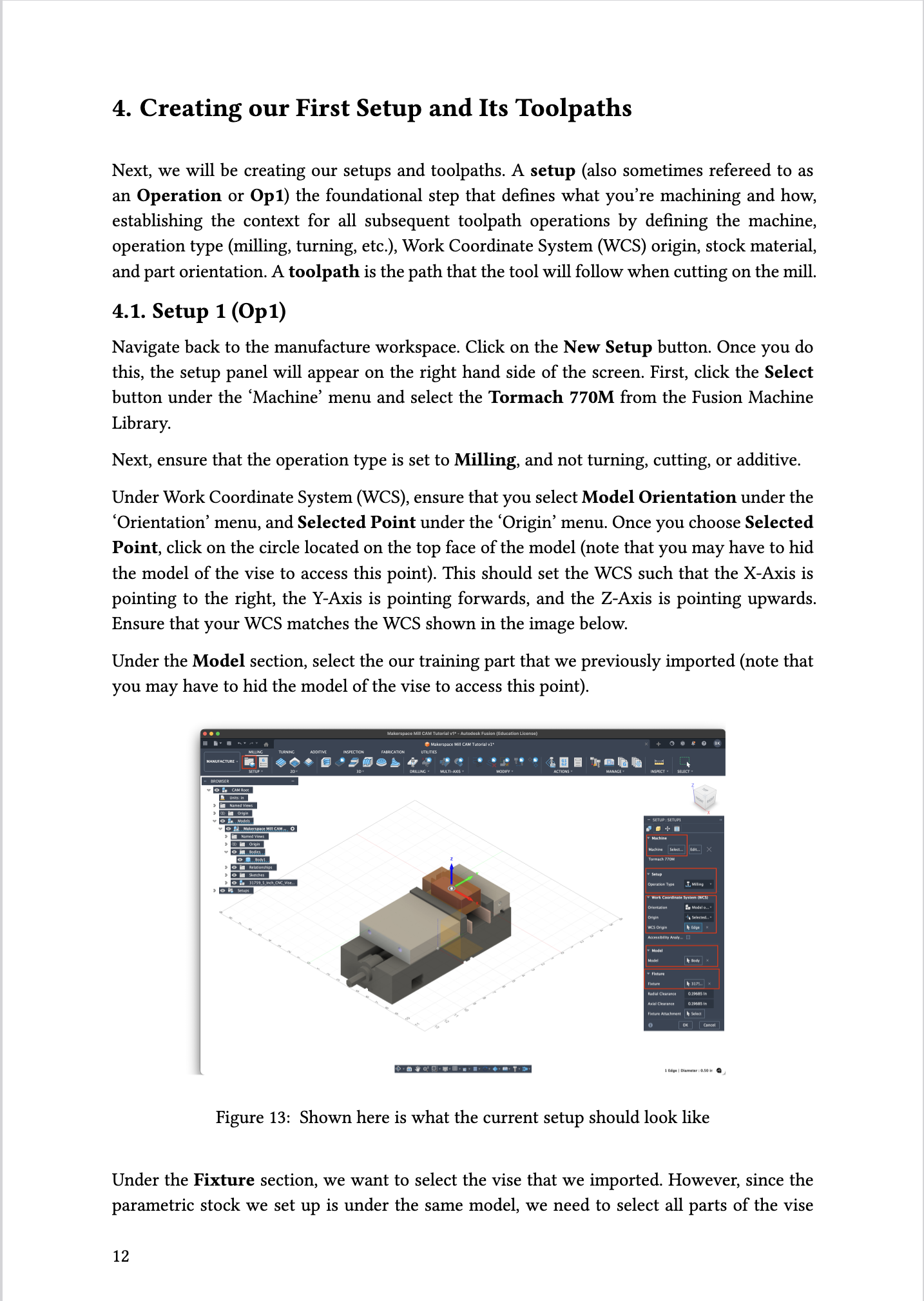
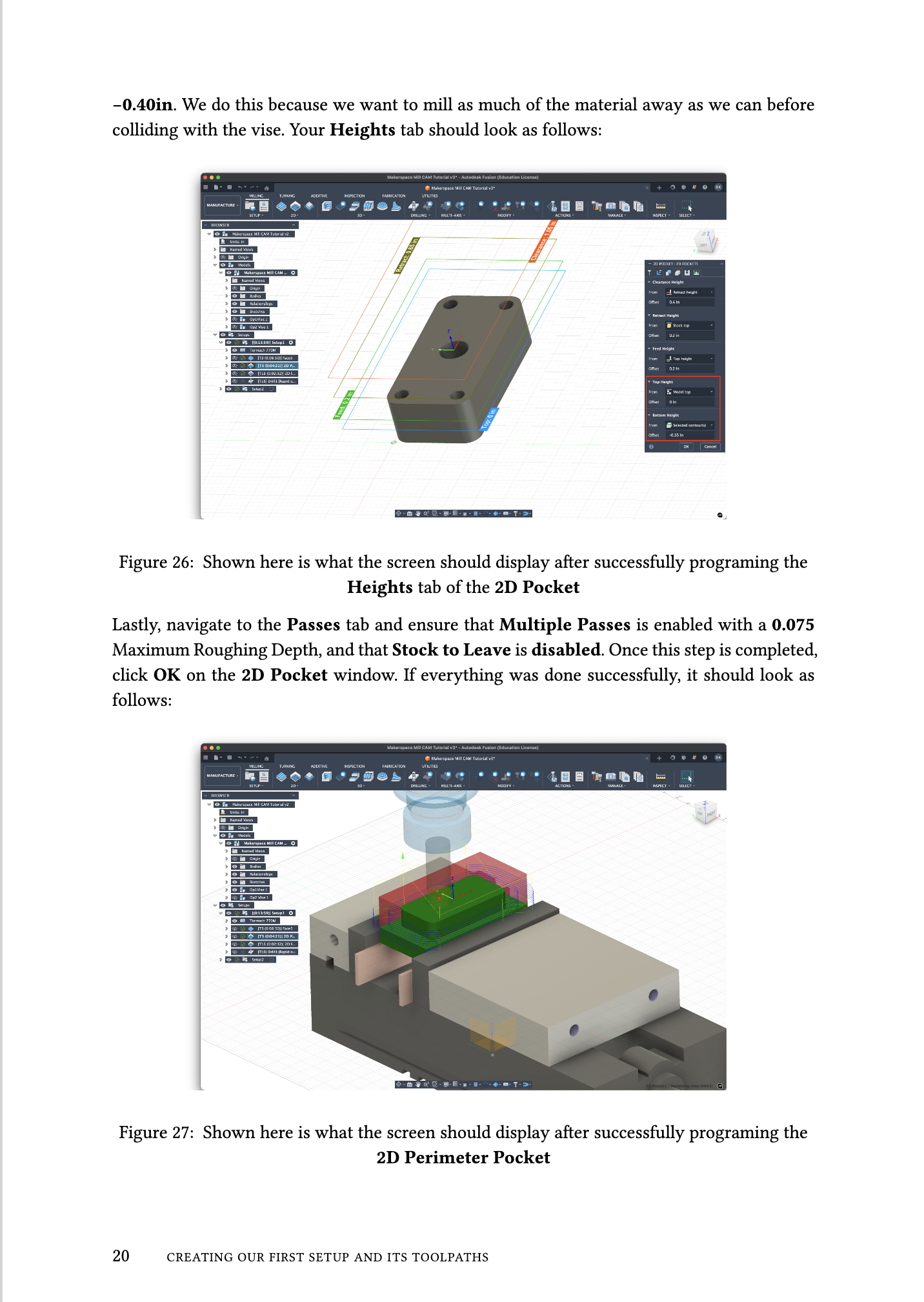
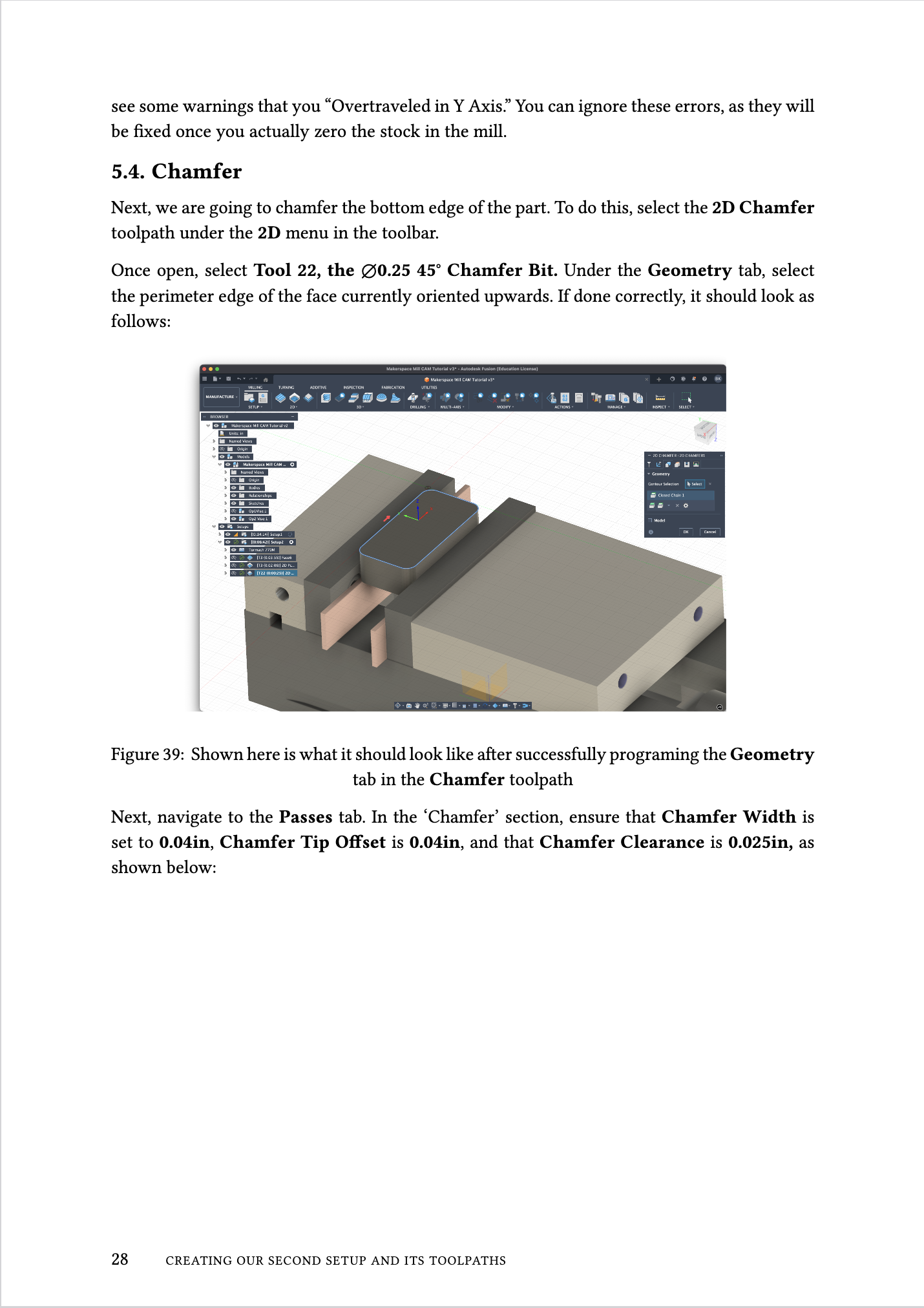
Training Document
Download Full Training Document (PDF)Technical Details
Content
- 40-page comprehensive guide
- Step-by-step instructions
- Multiple CAM functions covered
Software
- Fusion360 CAM
- G-code generation
- Toolpath simulation
Topics
- Tool selection
- Feeds and speeds
- Machining operations